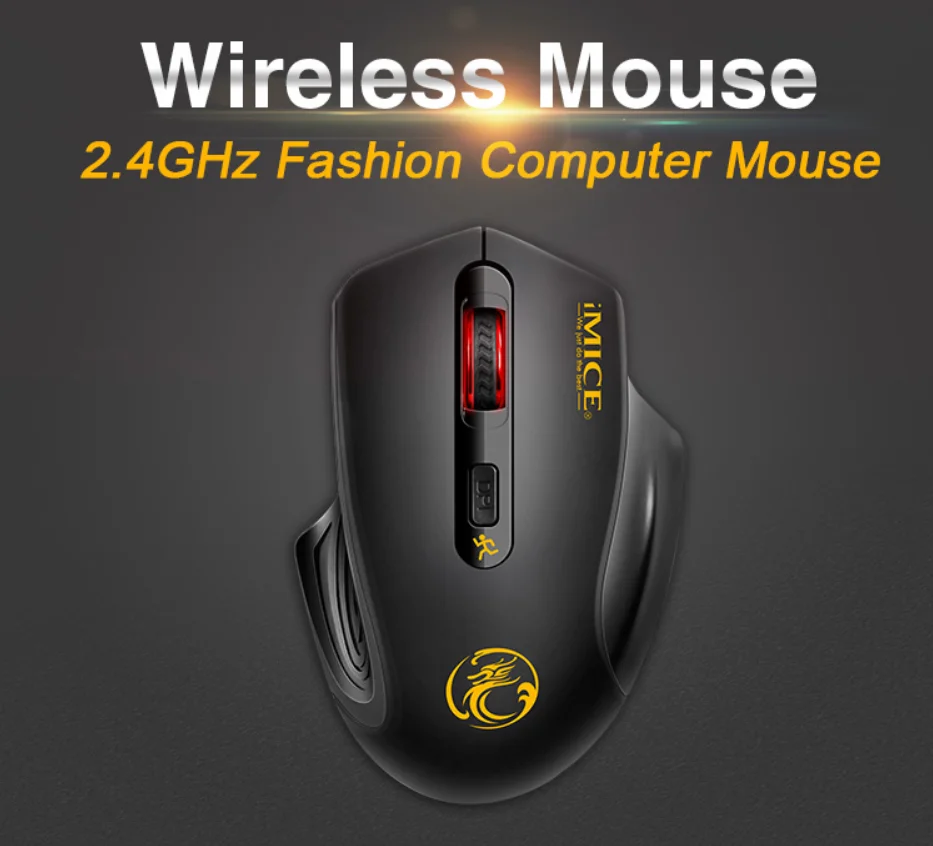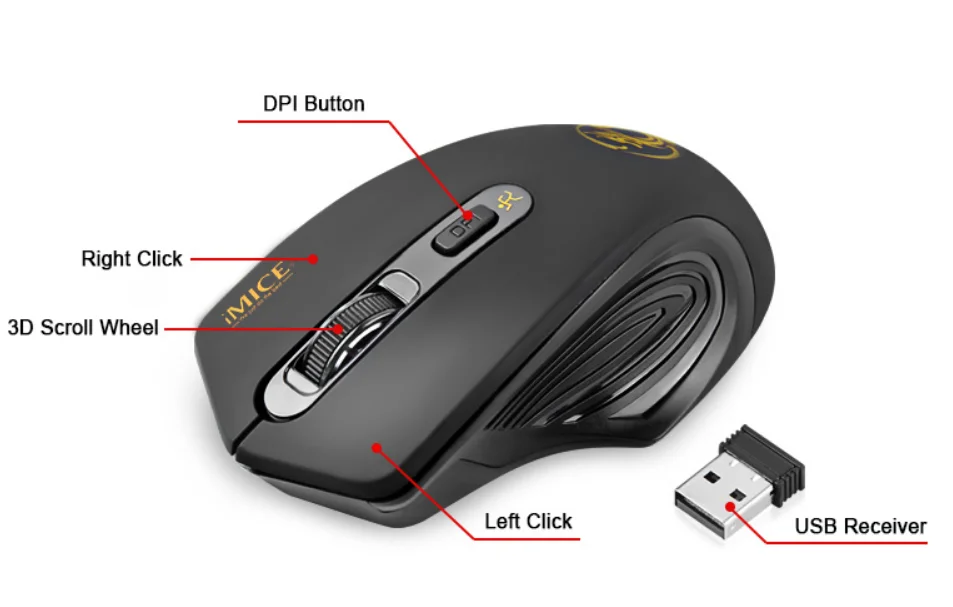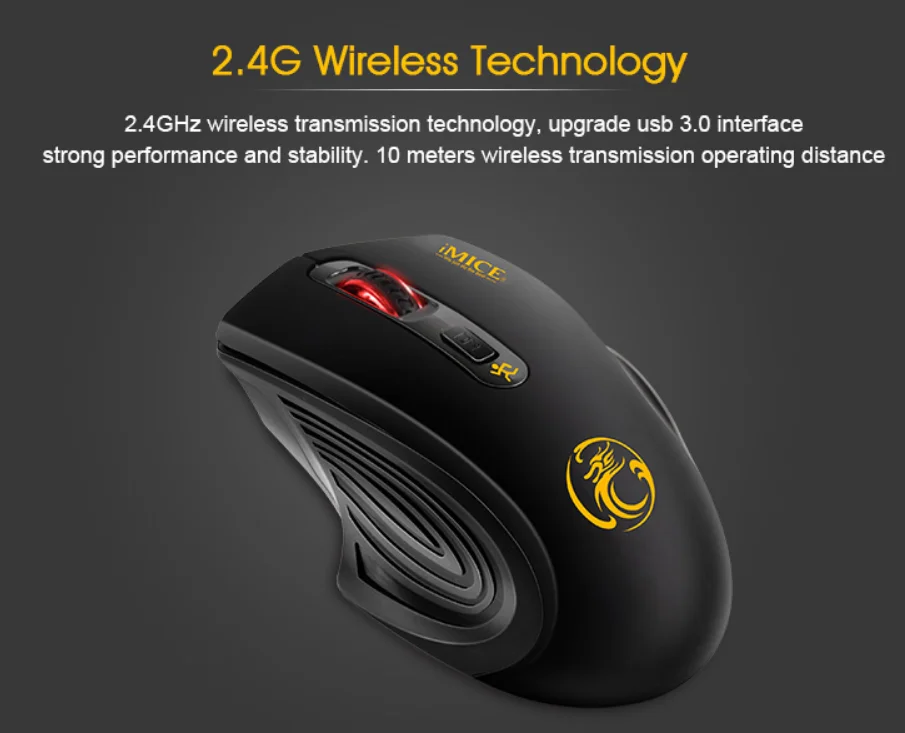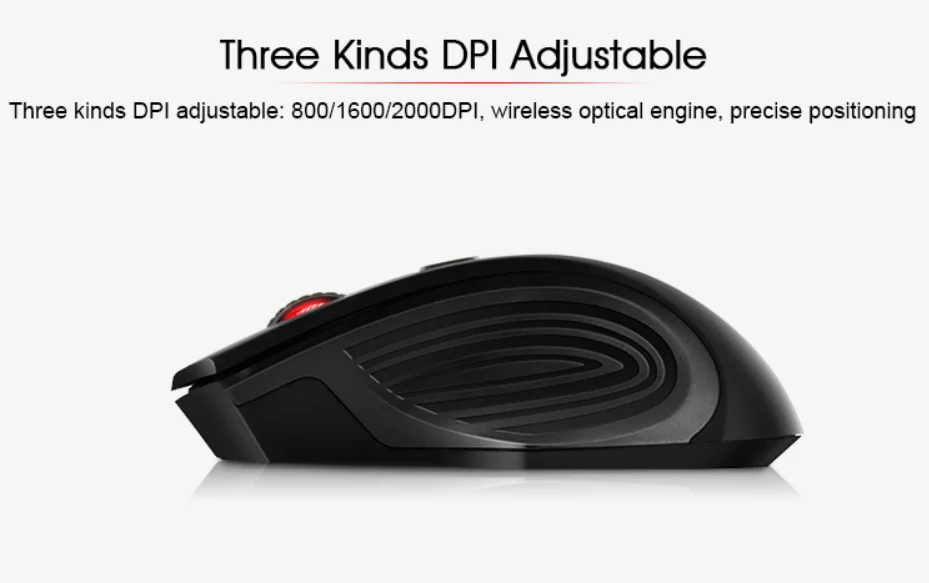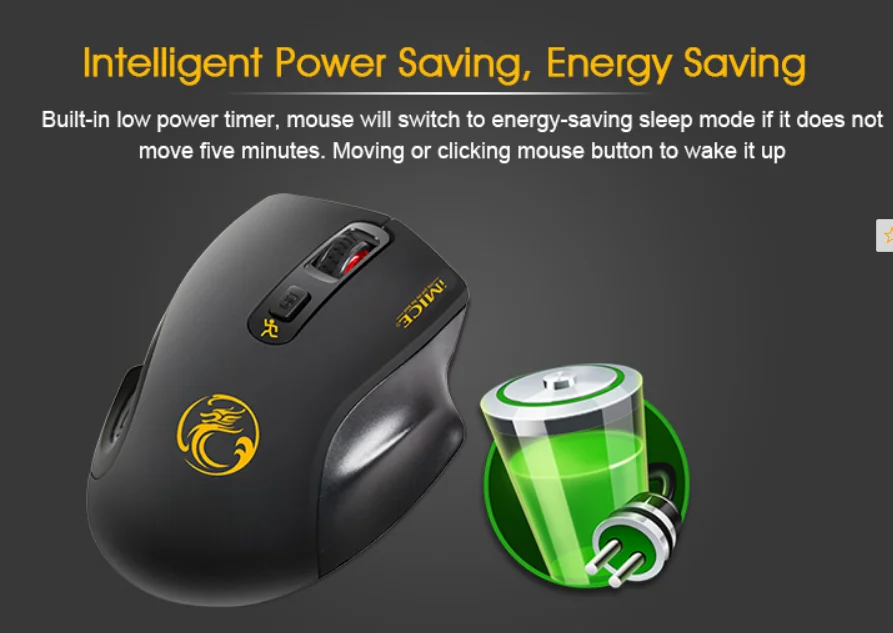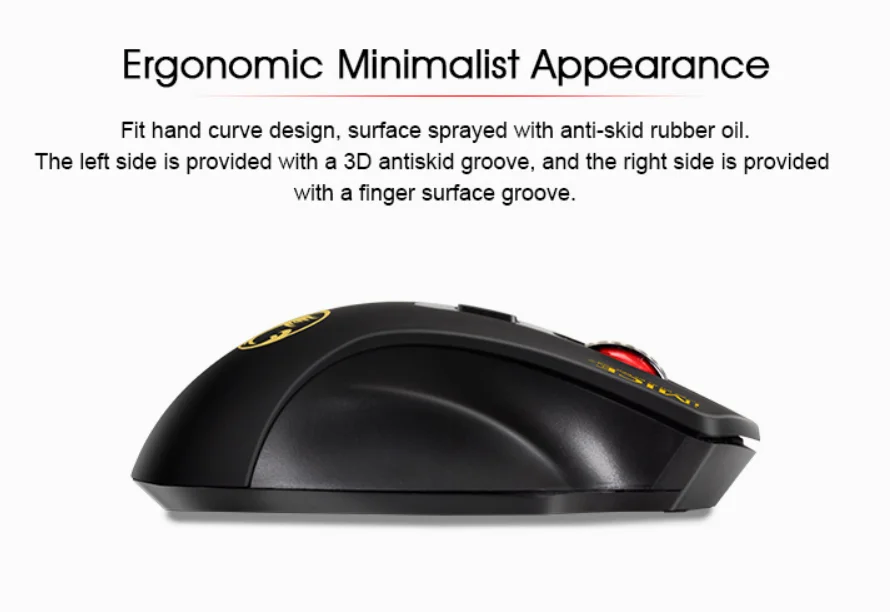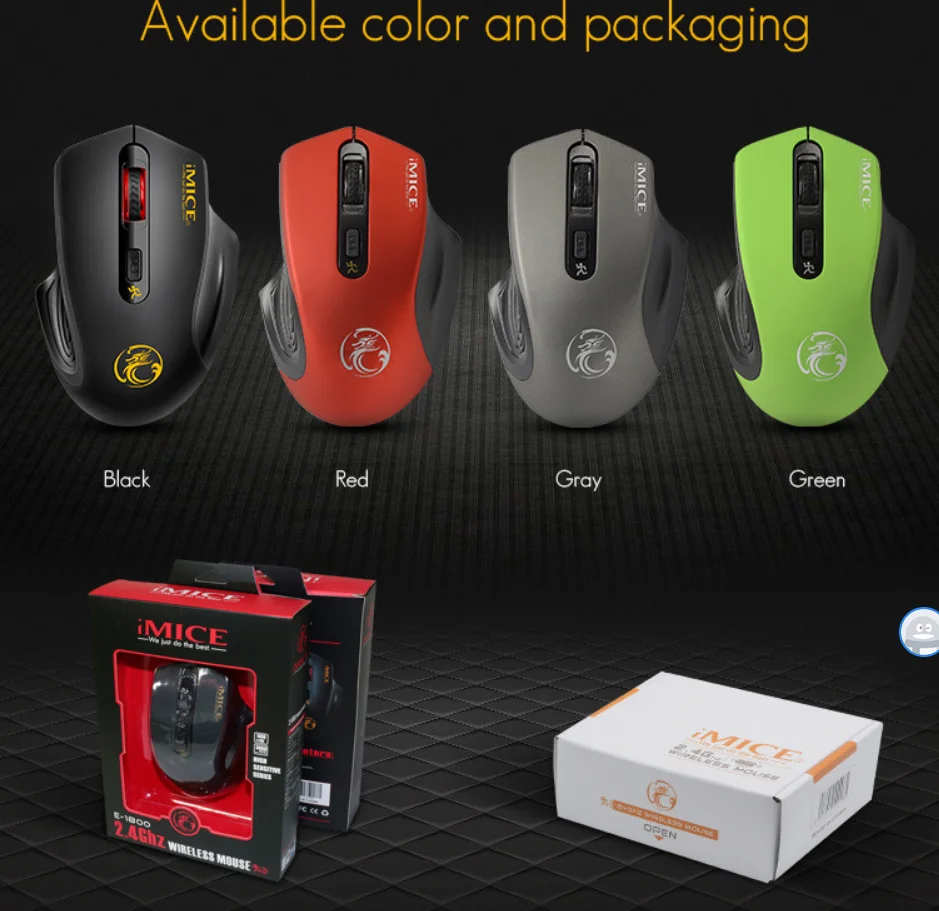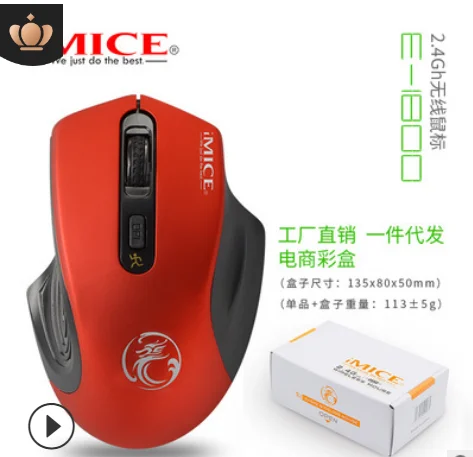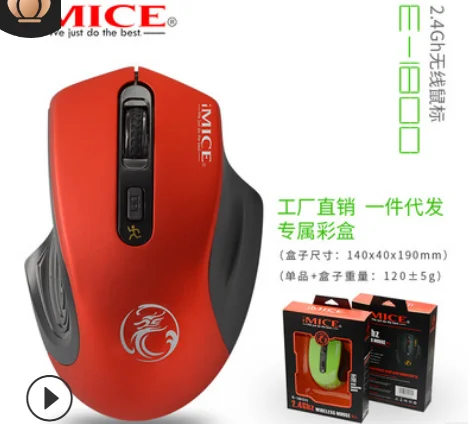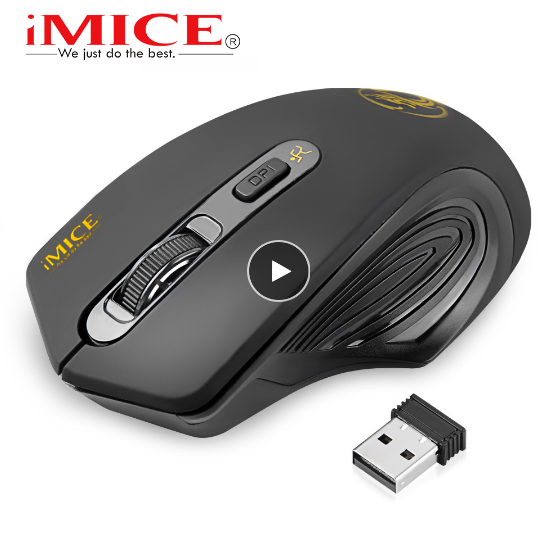


imice USB Wireless mouse 2000DPI Adjustable USB 3.0 Receiver Optical Computer Mouse 2.4GHz Ergonomic Mice For Laptop PC Mouse
Q&A
Q1. I did not received the USB receiver ?
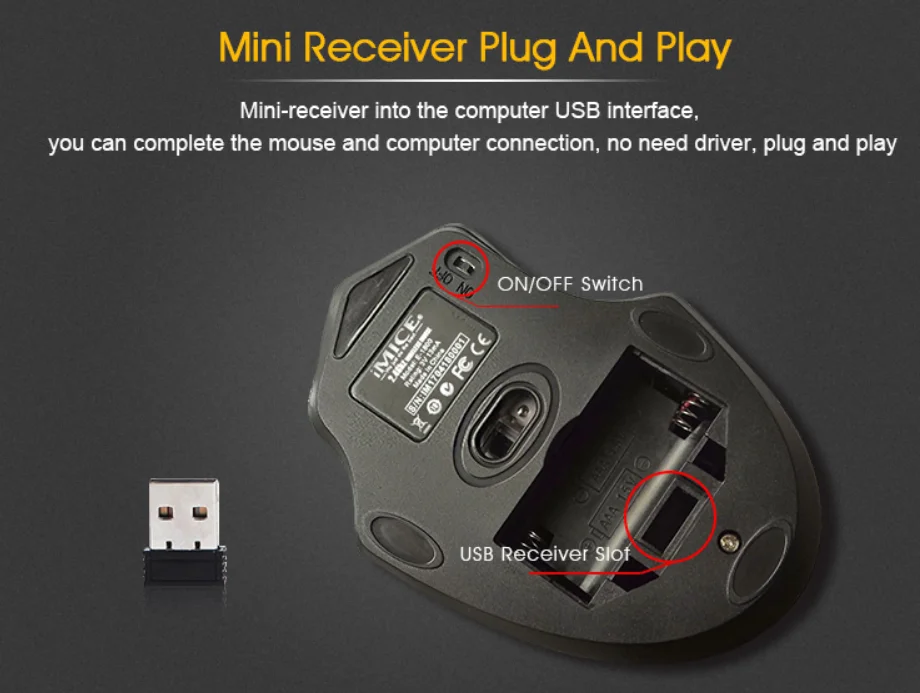
A1. The USB receiver is put in the battery box, please check it first. If you still can not find it, contact us for help.
Q2. After I turn on the mouse, the red light flash and off ?
A2. Please put USB receiver in computer when you text the mouse. Because only when mouse matched the USB receiver, it will work.
Q3. USB put, red light ON, but it does not work on computer ?
A3. Please try to put the USB on another USB port , it is better try on another computer to confirm is the problem on the mouse, or the problem on incompatible. If you need help, please contact us.
Q4. What is the different between Soundand Silent ?
A4. Silent version is mute version, it does not have sound when you press left and right button.
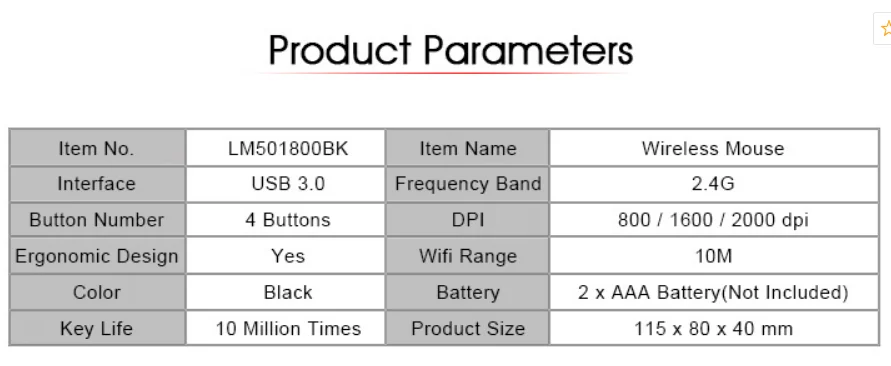
Specifications:
Package:
Re-mark: we have so many other models have not uploaded yet, pls contact us for more options and best price, thank you.